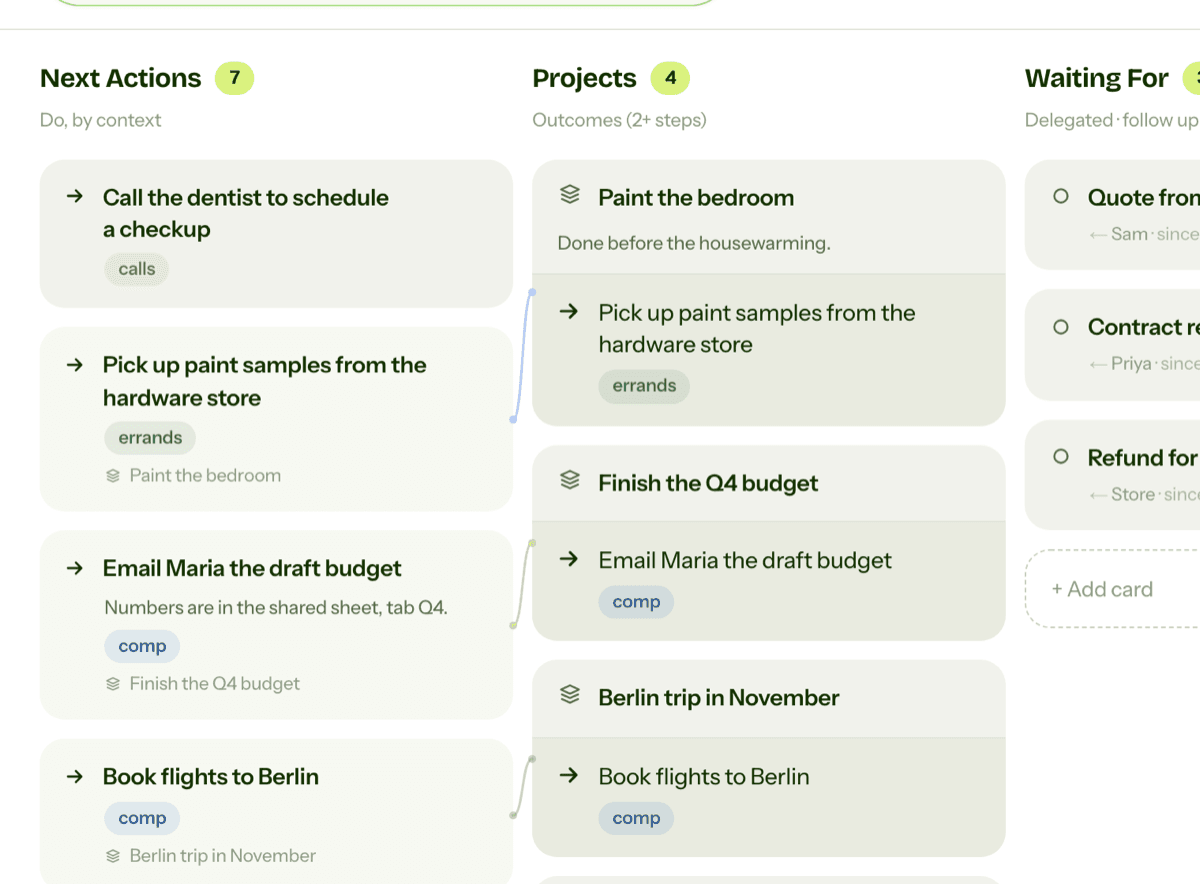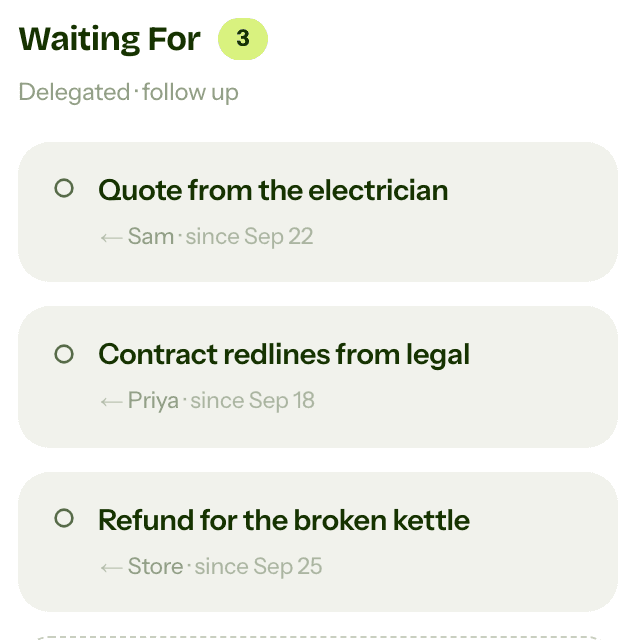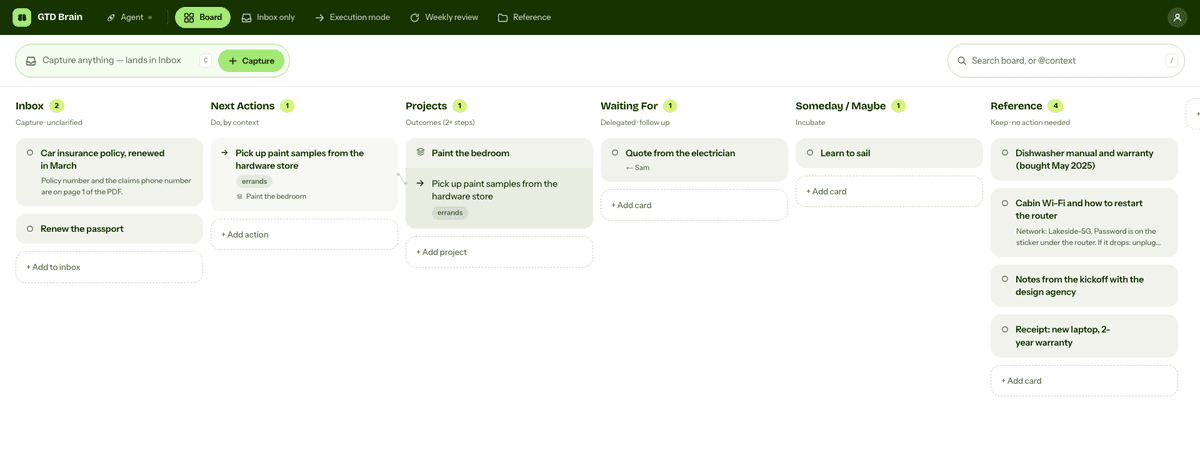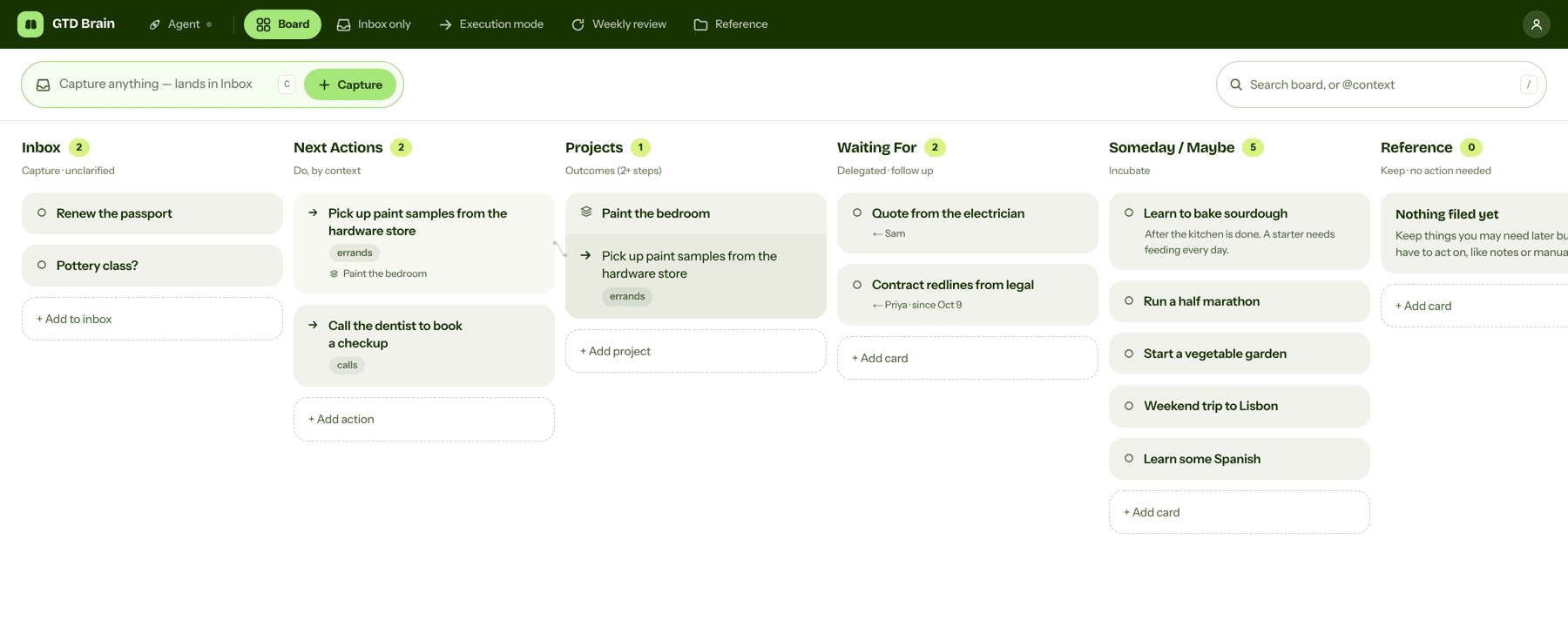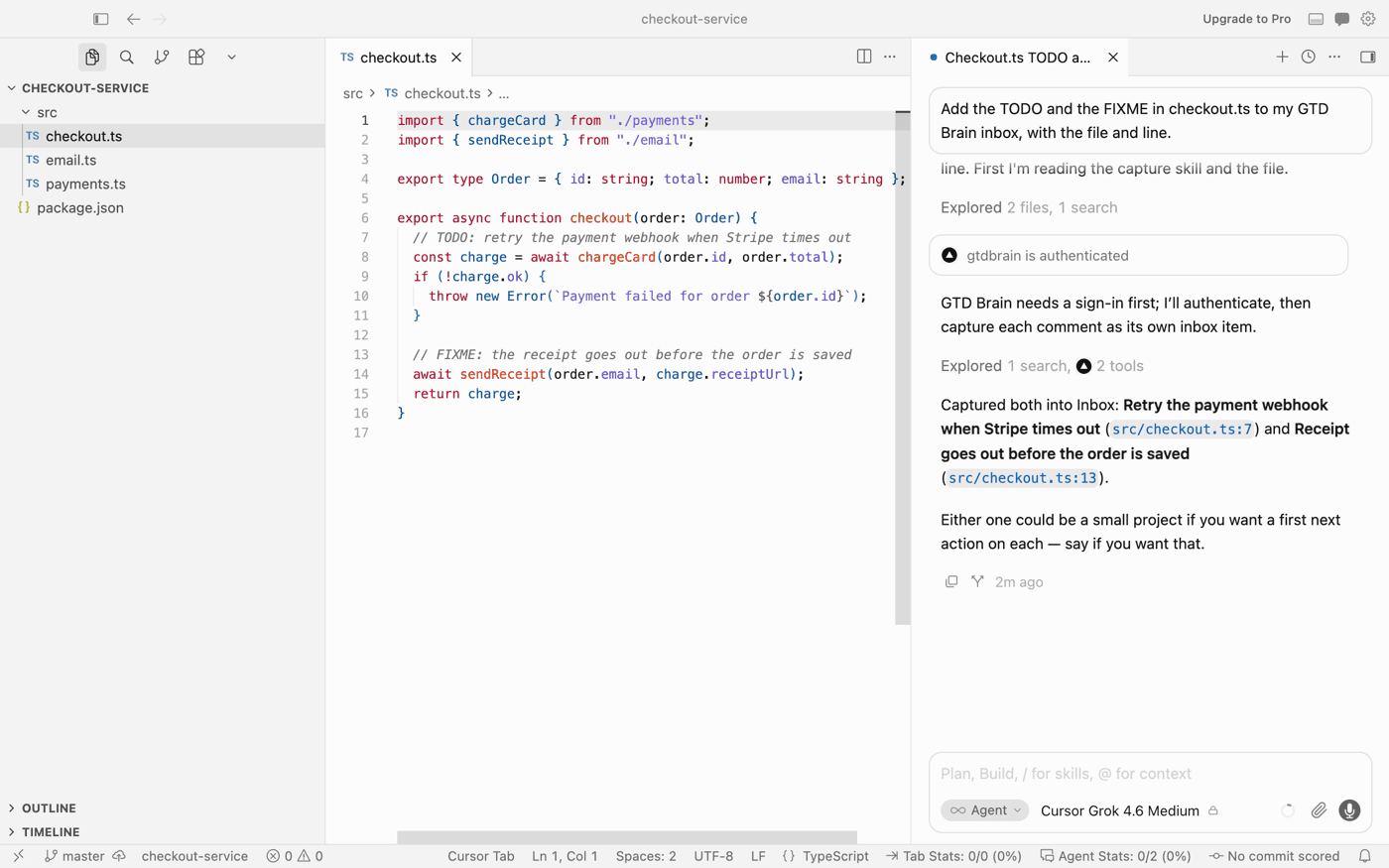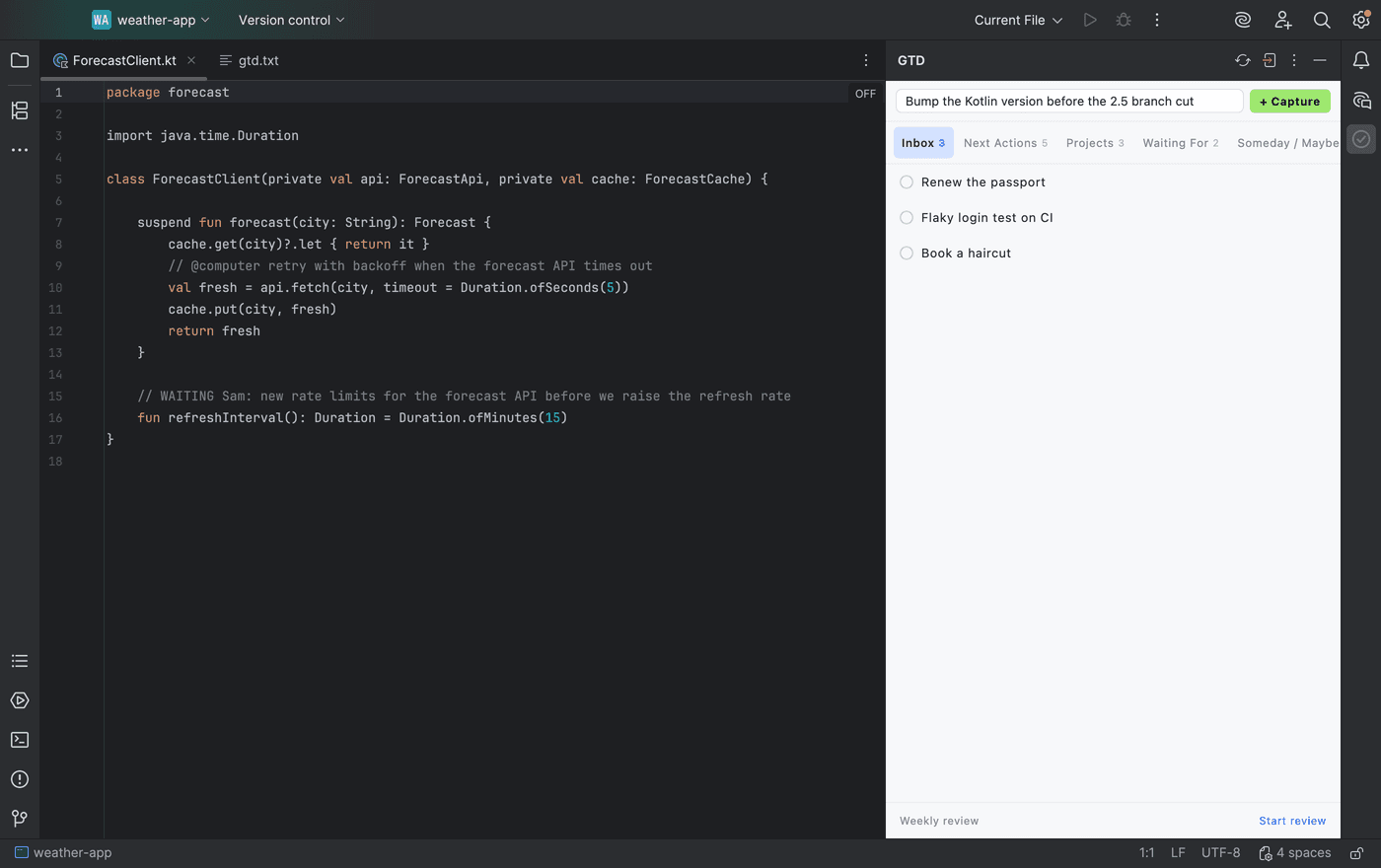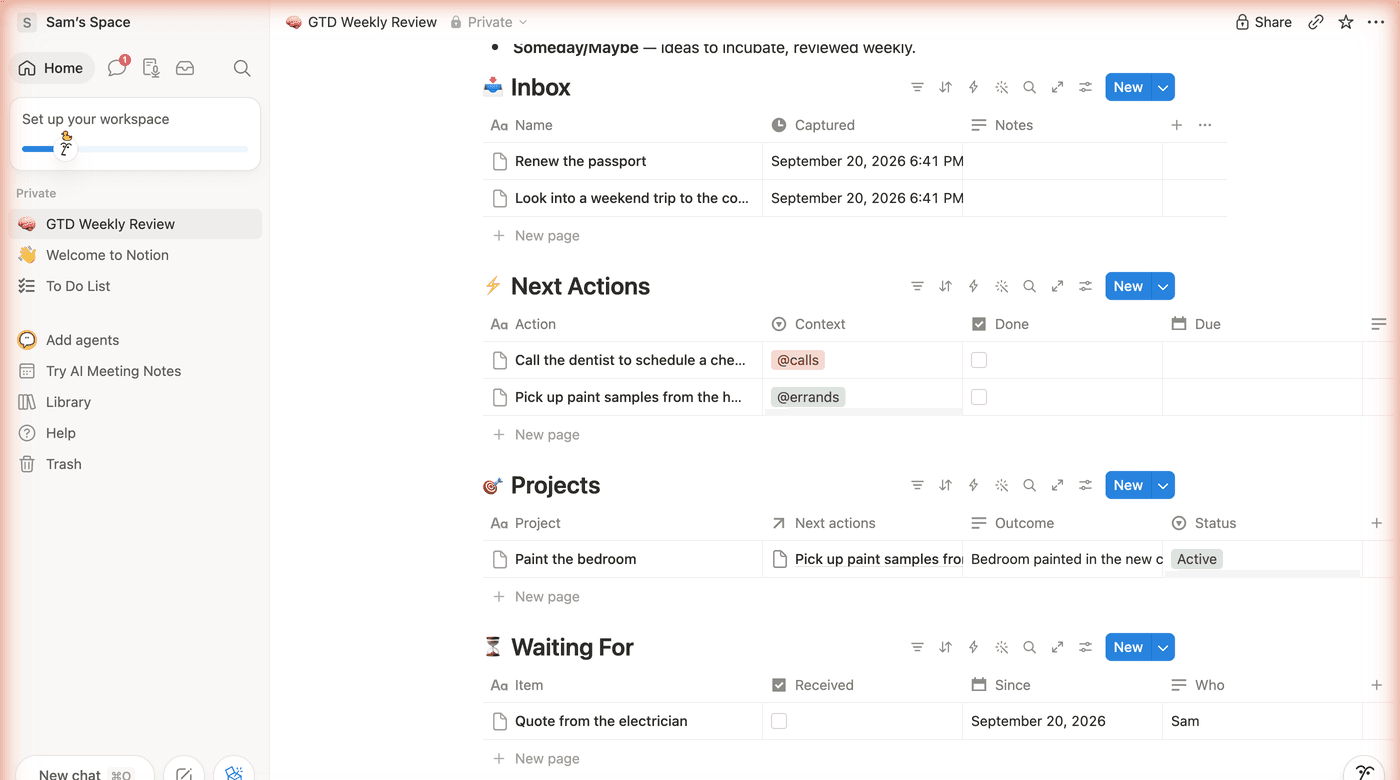
Step-by-step guides to GTD in Apple Reminders, Microsoft To Do, Obsidian and ChatGPT, plus the maker's notes on running a whole life on one board with AI.
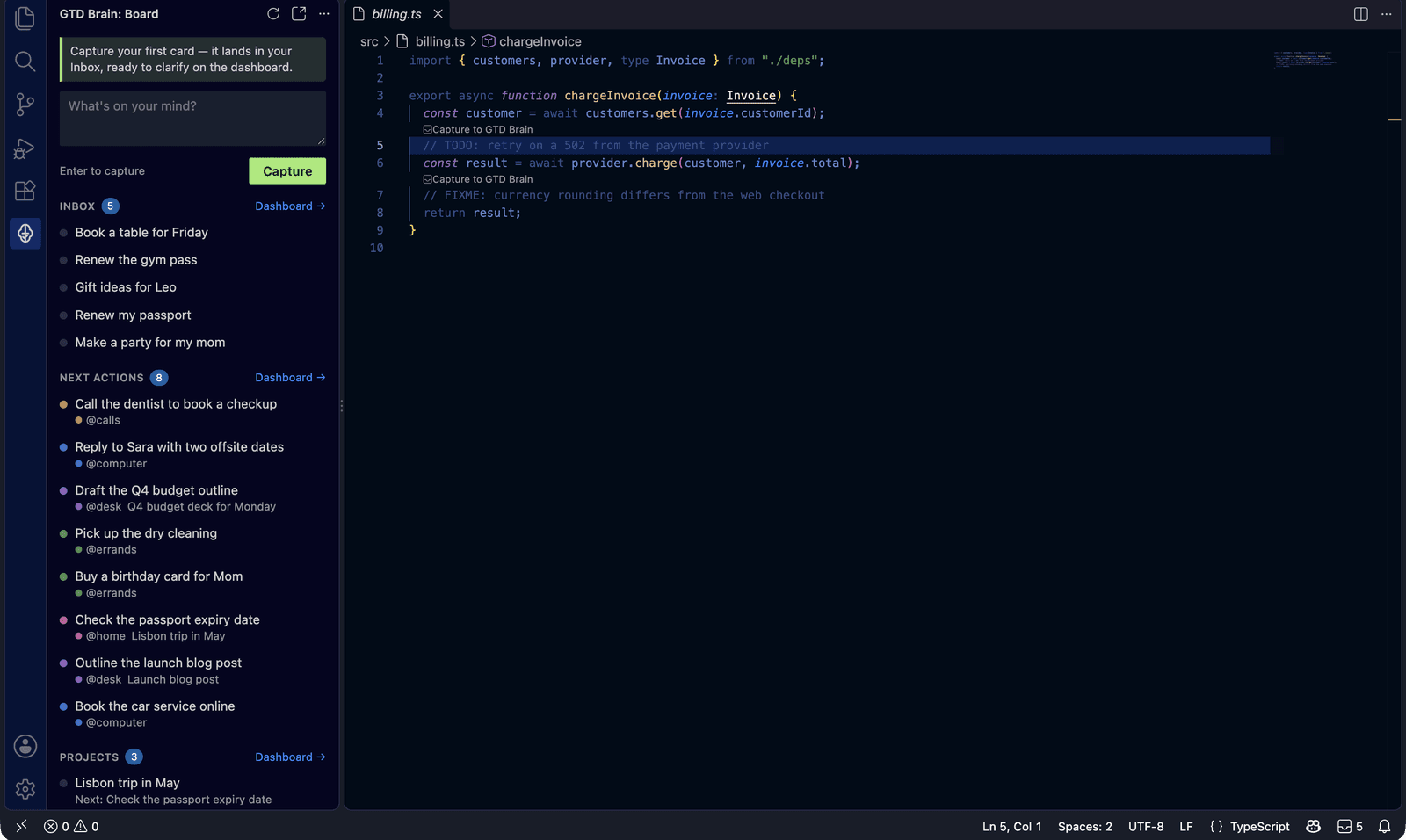
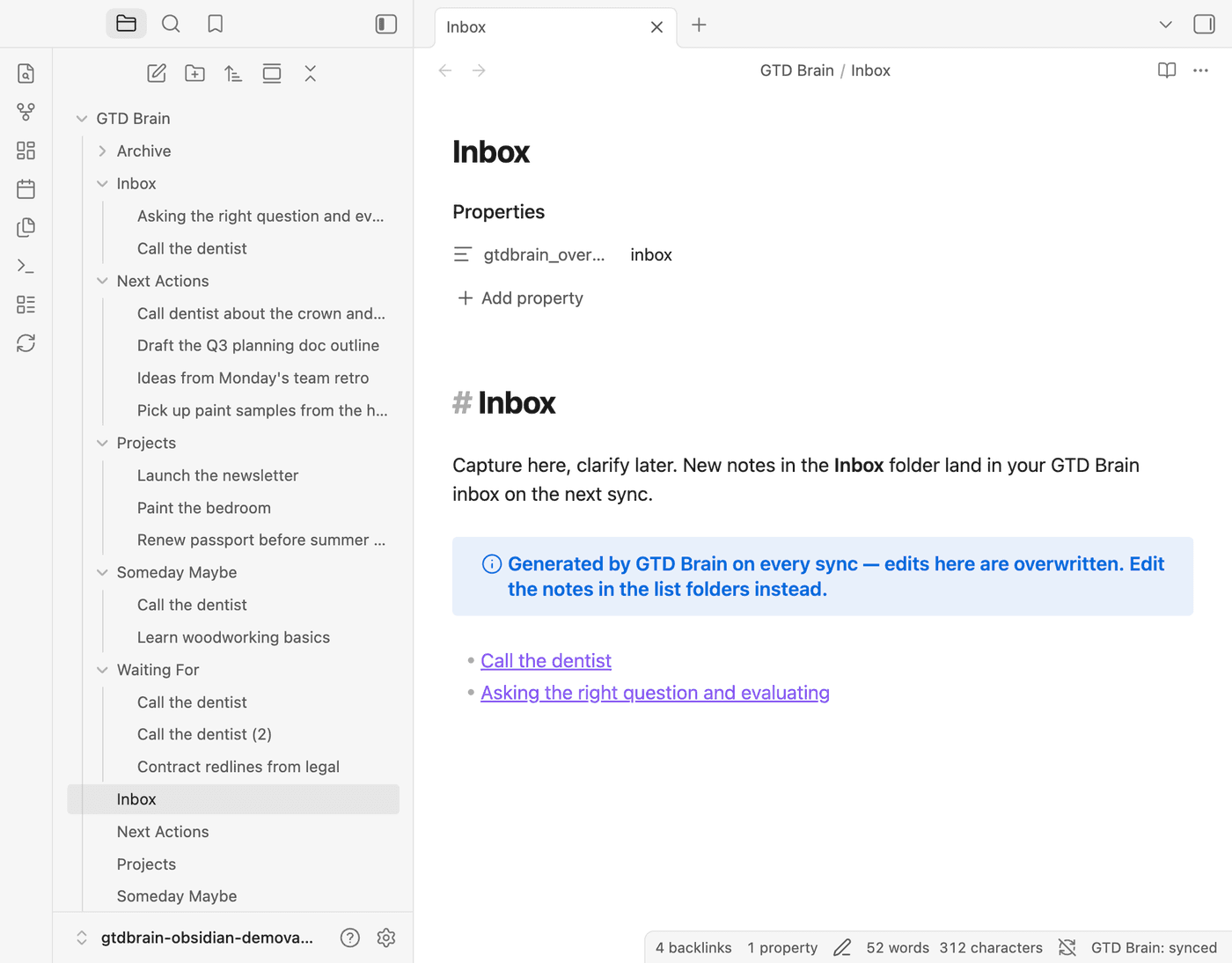
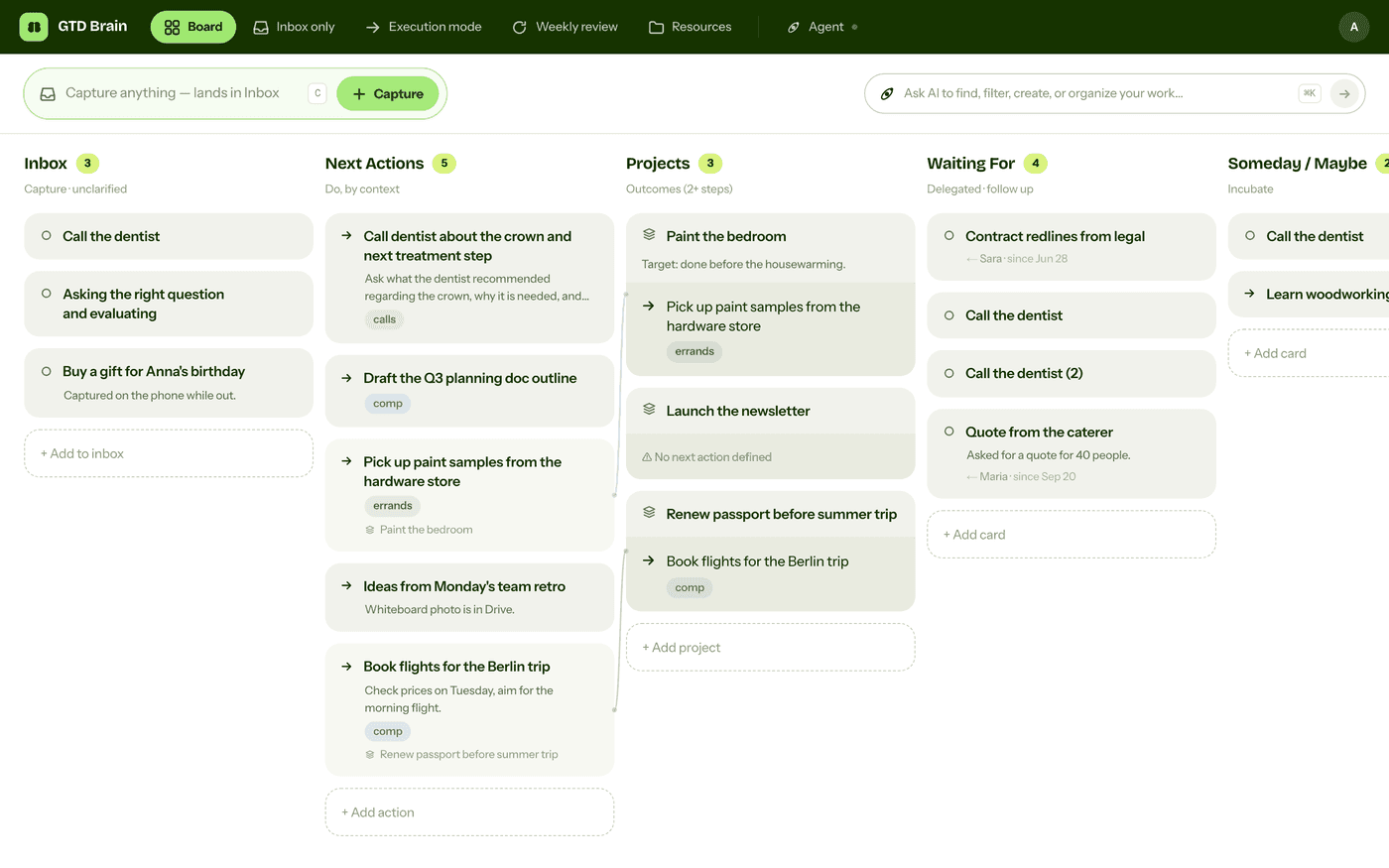
A complete Getting Things Done setup in Obsidian, with screenshots: install the free GTD Brain community plugin, sign in with an email code, and run capture, clarify, projects, waiting-for and the weekly review as plain Markdown notes that sync both ways with a board on the web, the phone apps and your AI assistants.
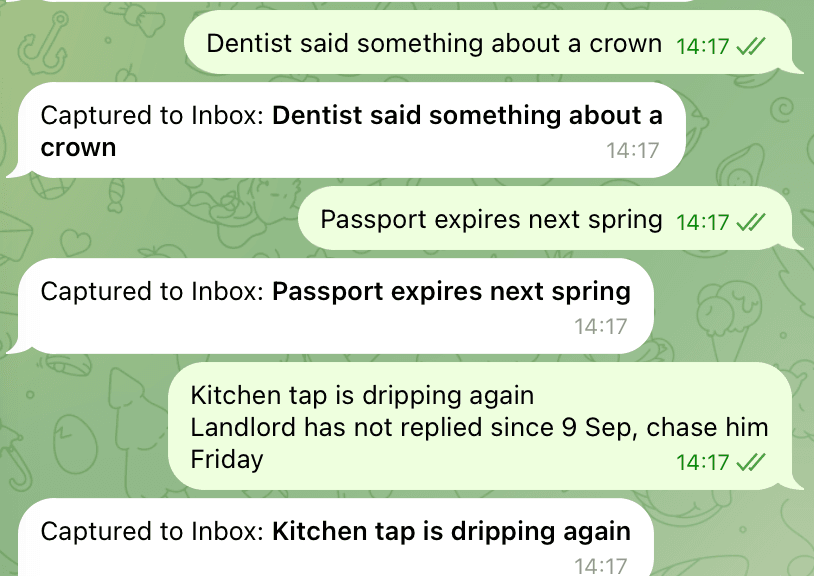
A complete Getting Things Done setup in Telegram: Saved Messages as the inbox, one private channel per list in a GTD folder, hashtags as contexts, Waiting For from forwarded messages, a daily clarify and a weekly review, then the point where a chat stops behaving like a list and how a capture bot fixes it, with screenshots.
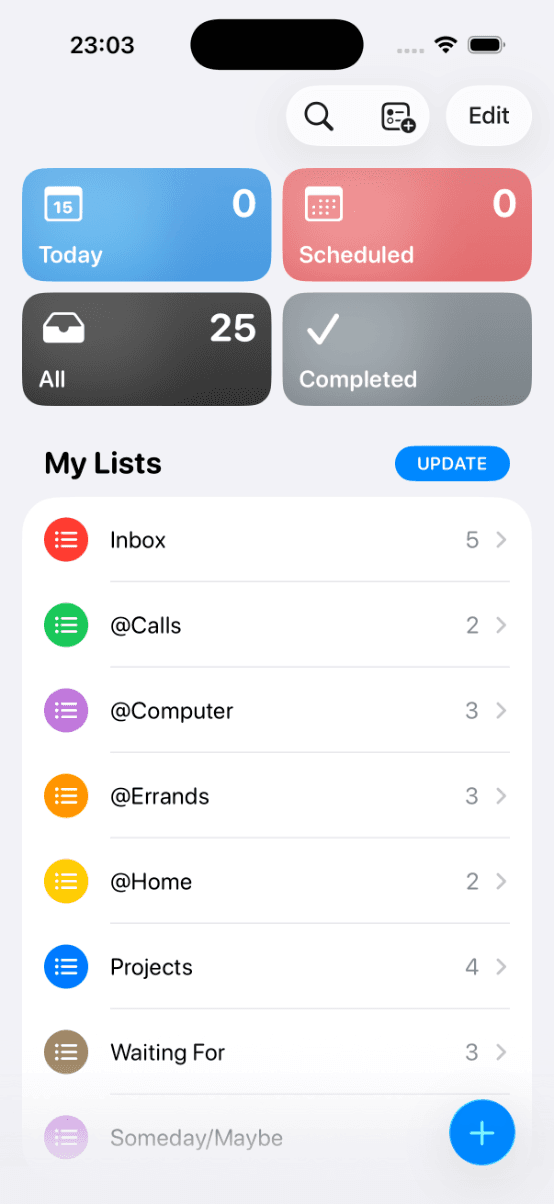
A complete Getting Things Done setup in Apple Reminders, with screenshots: one list per bucket, contexts as lists or tags, a daily clarify and a weekly review built from the All view, plus the three gaps you hit after a few weeks.
A complete Getting Things Done setup in Microsoft To Do: an Inbox plus flagged email, context lists in a Next Actions group (or hashtags), Projects without Steps as actions, Waiting For with ask dates, a daily clarify, a weekly review, and where the app stops helping.
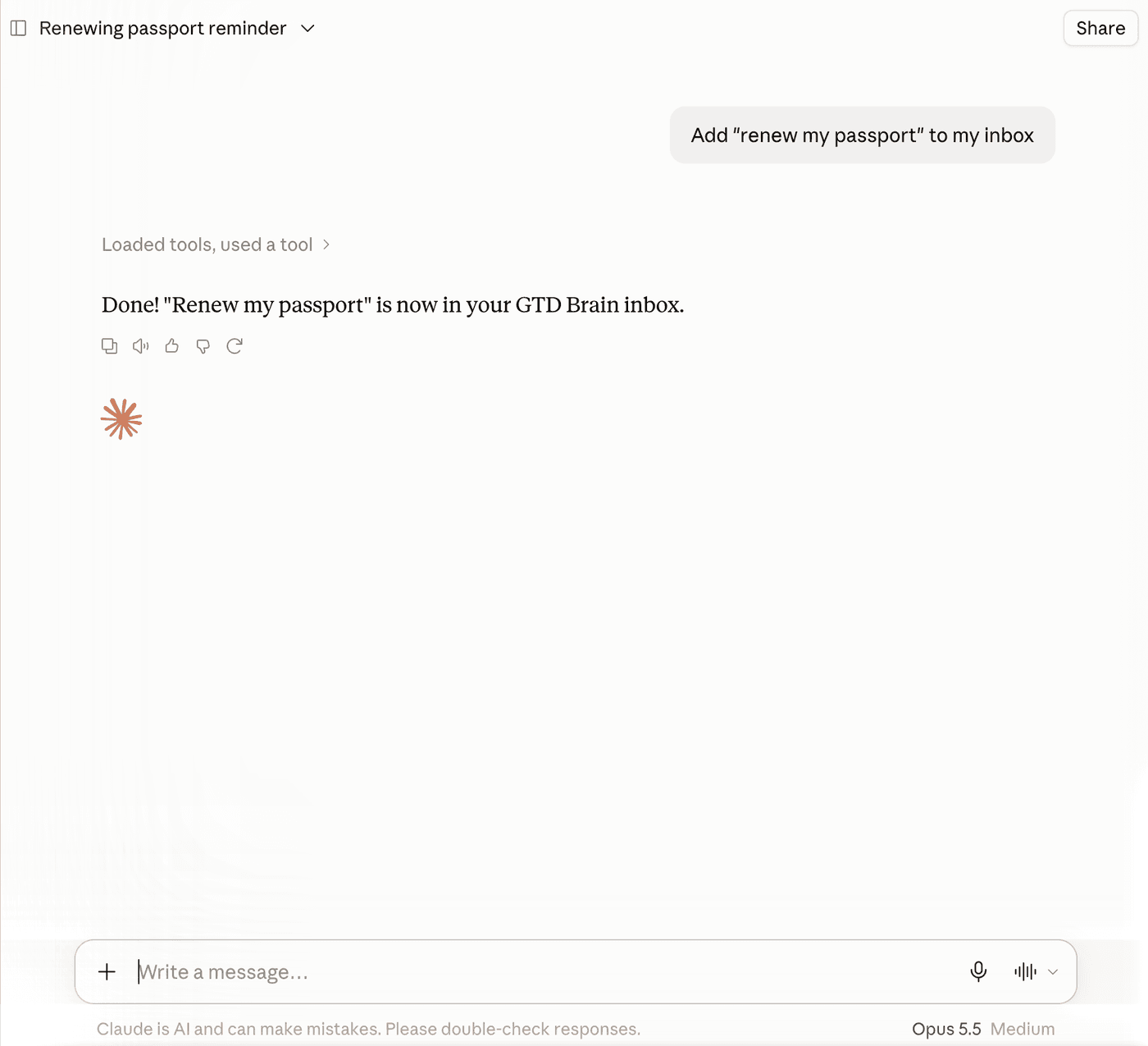
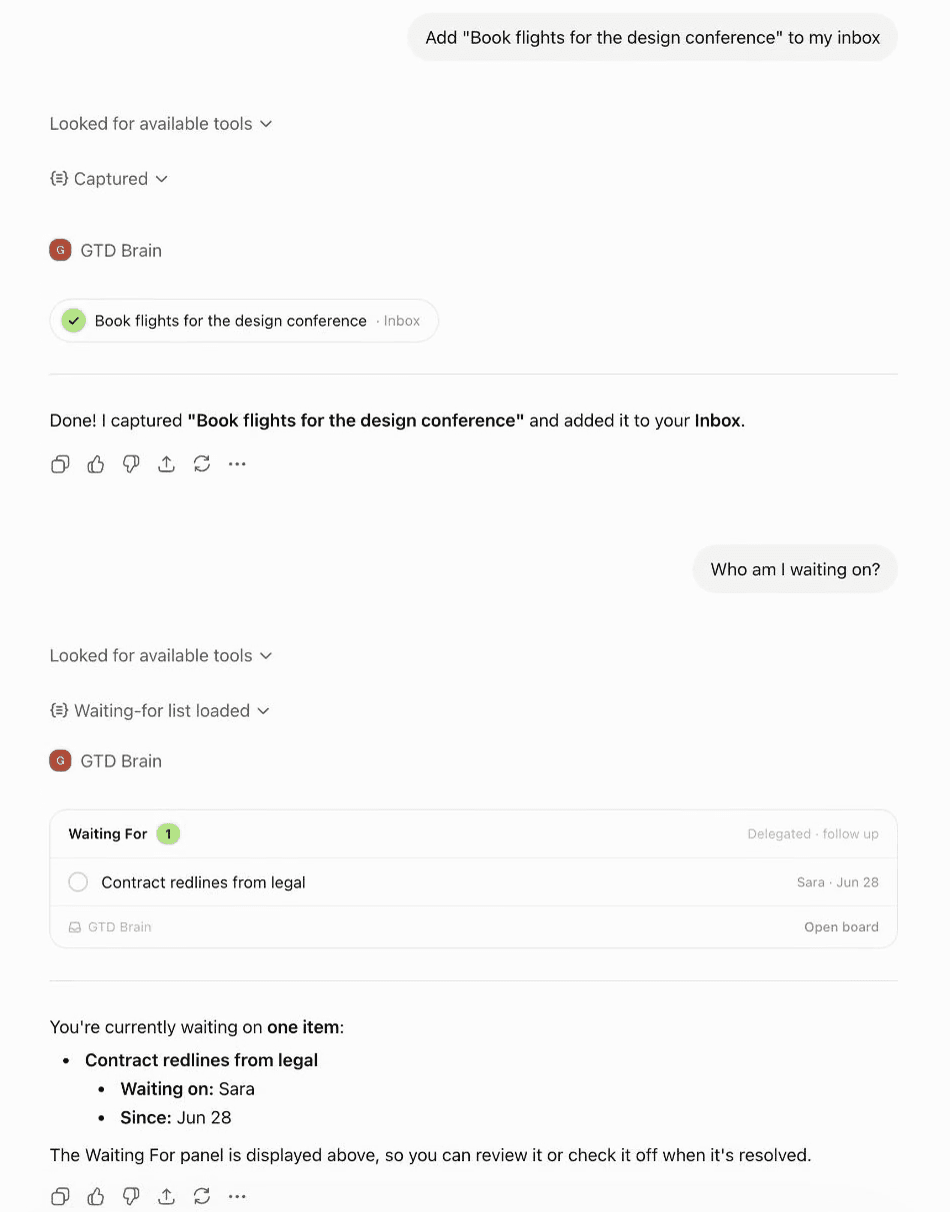
ChatGPT clarifies a brain dump into GTD lists and runs a good weekly review, then forgets the lists in the next chat. The prompts that work, the exact failure with screenshots, and how to give it a real board through the GTD Brain app for ChatGPT or the Claude connection.
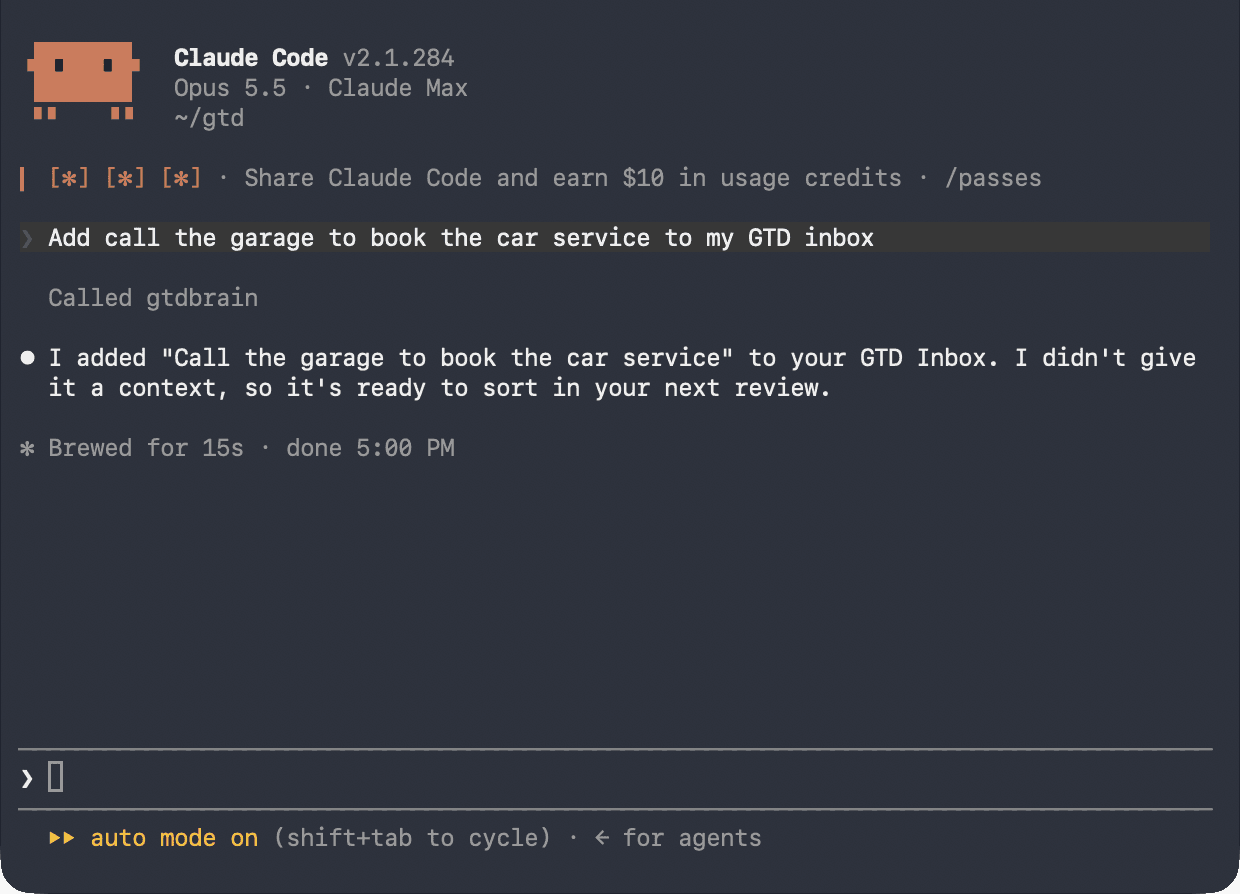
The maker of GTD Brain on running a company, life admin, travel plans and a move between countries through one Getting Things Done board, with an AI agent clarifying the inbox, ChatGPT as a capture surface, and Claude Code doing some cards start to finish.