How to do GTD in Claude (Getting Things Done with a connected board)
Connect Claude to GTD Brain, a GTD (Getting Things Done) board, add a project with the rules, and capture, clarify and run the weekly review from any chat, with screenshots.
Start free for a month →No charge for your first month · Cancel anytime
On this page
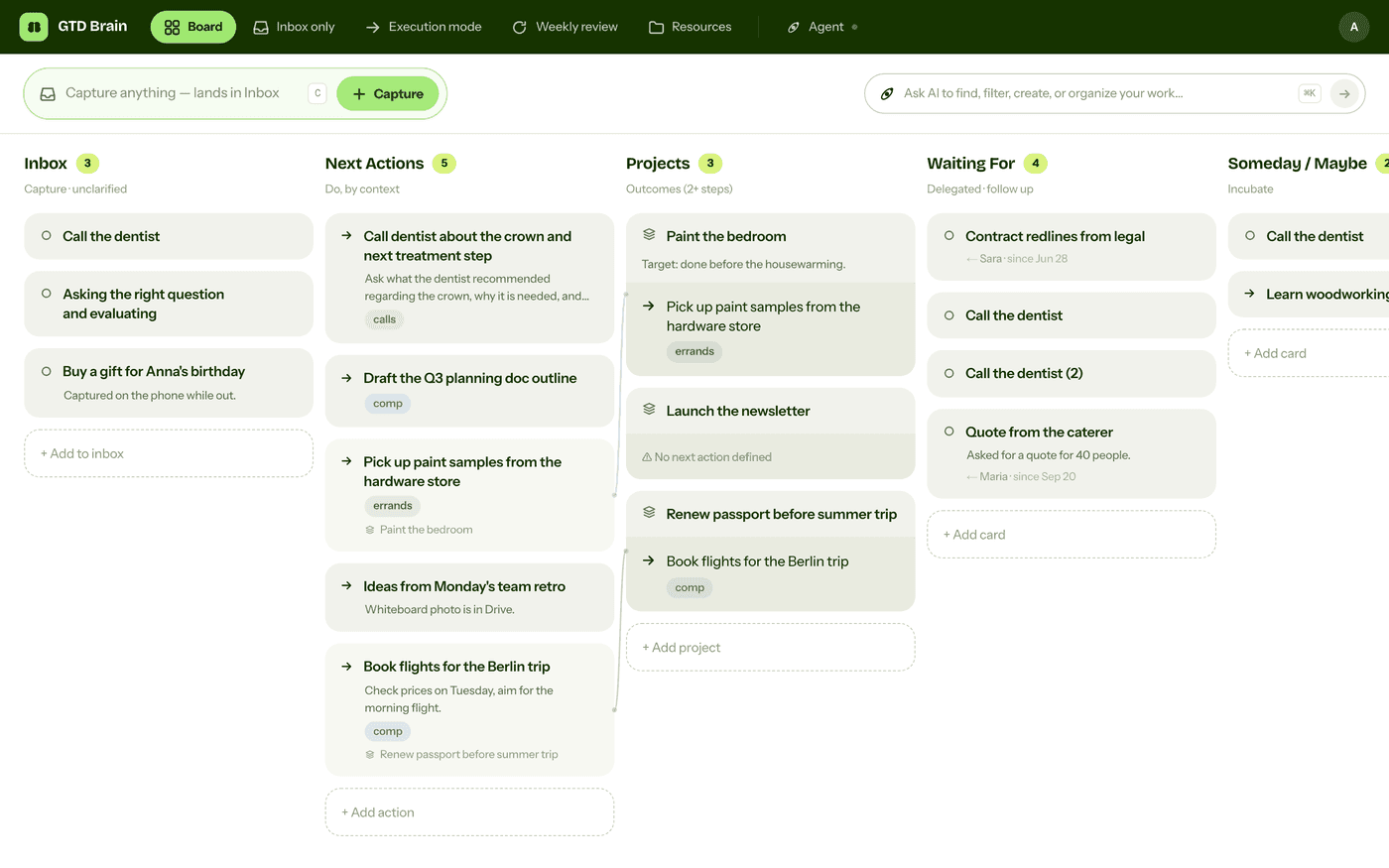
Claude is good at the thinking parts of GTD (Getting Things Done): turning a messy inbox into next actions and running a weekly review. What it needs is a place to keep your lists. Connect it to GTD Brain, a GTD (Getting Things Done) board, and it keeps them for you:
Step 1: connect Claude to GTD Brain
GTD Brain works as a custom connector on every Claude plan (the Free plan allows one custom connector). It is not in Claude’s connector directory, so you add it by address. In Claude, open Customize → Connectors, click +, then Add custom connector. Name it GTD Brain, paste this address and click Add:
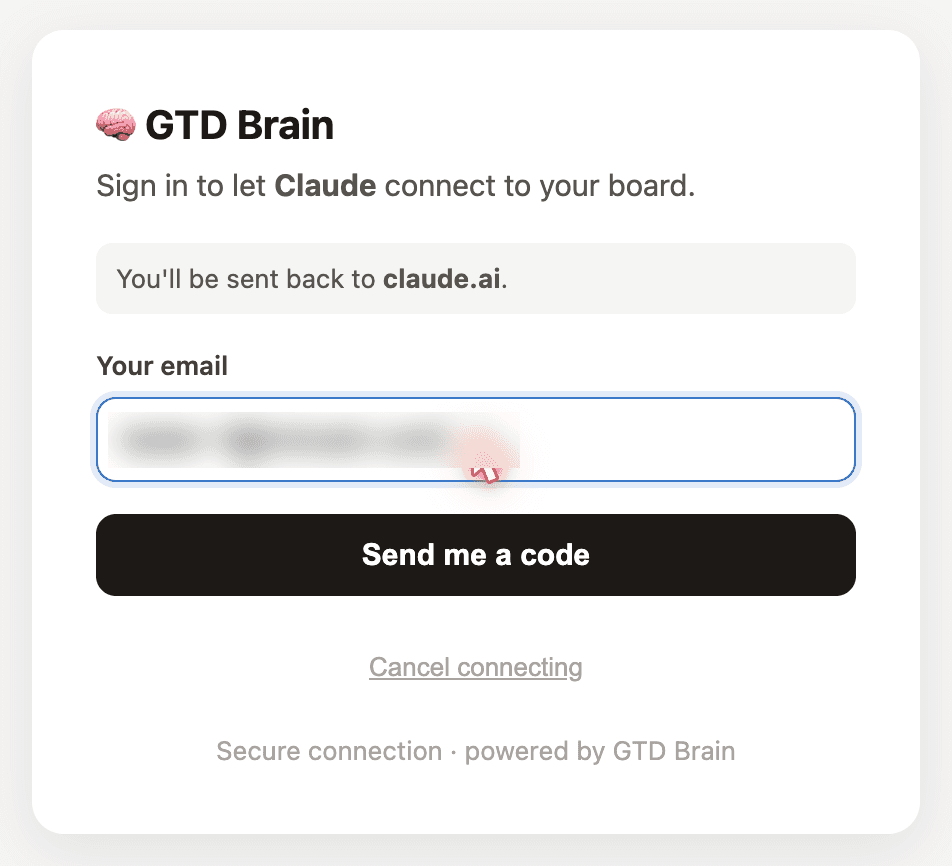
https://mcp.gtdbrain.com/api/gtdbrain/v1/mcpClick Connect, enter your email and the code we send you, then click Allow.
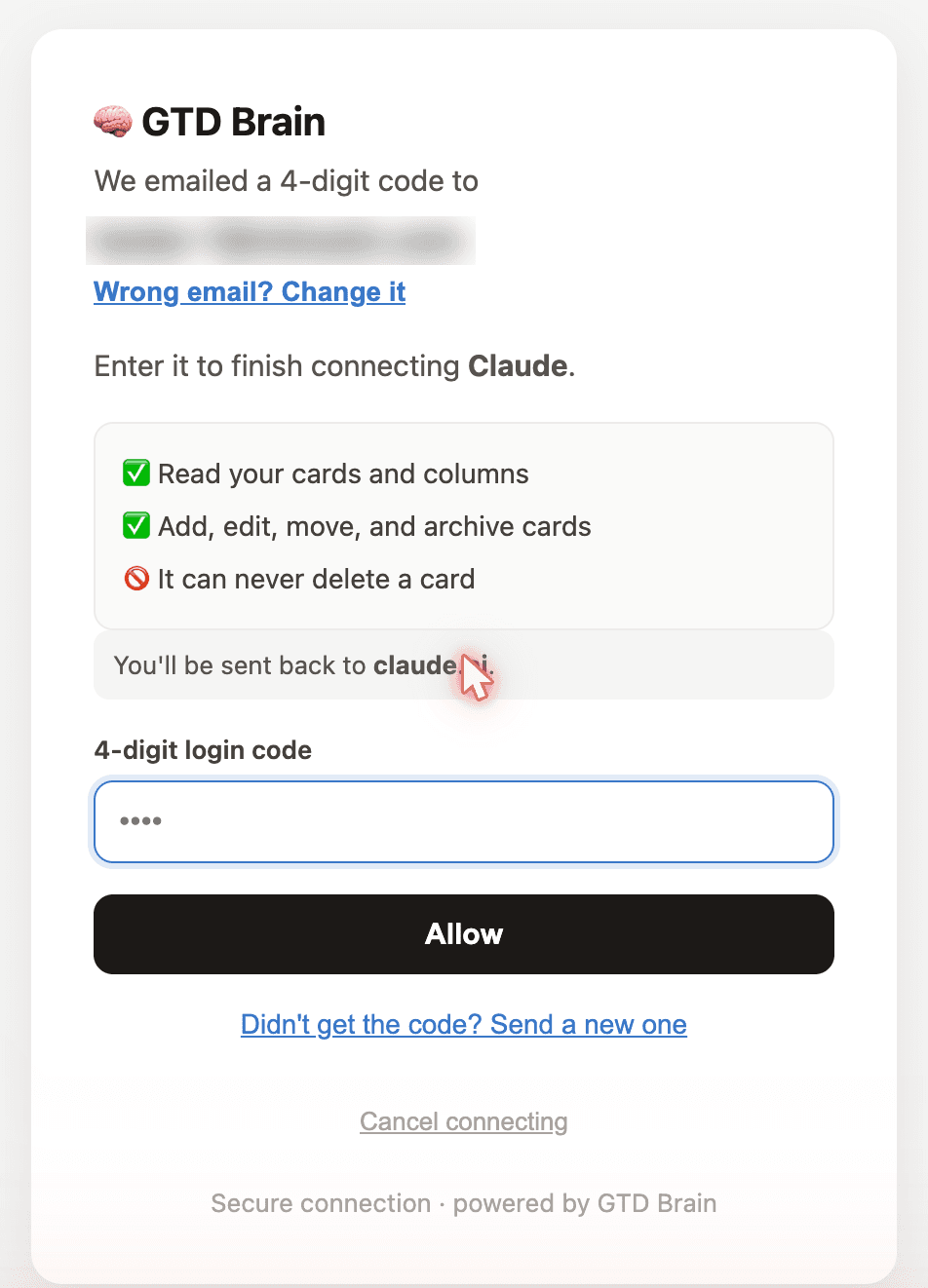
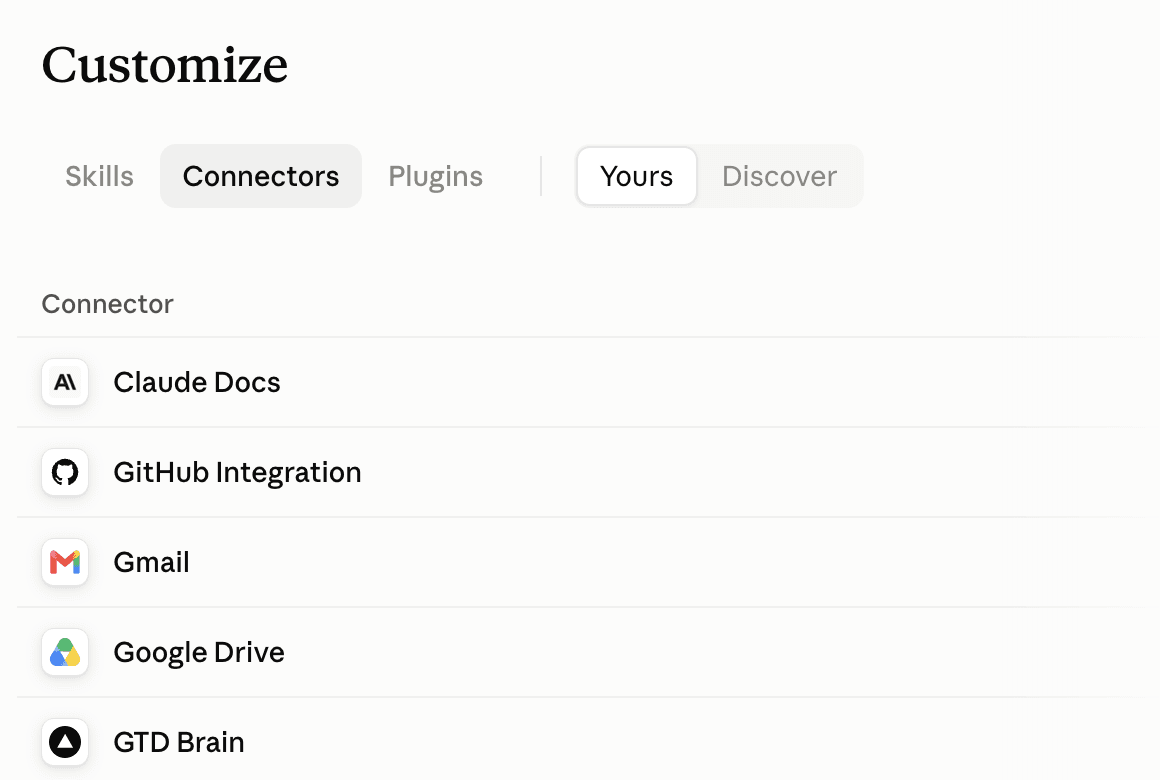
Using the board from Claude needs a GTD Brain membership. The yearly plan starts with a free month.
Step 2: make a GTD (Getting Things Done) project
In Claude, open Projects and create one called “GTD”. Every chat in a project gets its instructions, so you teach the method once. Paste this into the project instructions:
My GTD lists are in GTD Brain. Capture anything I need to do straight to the Inbox, unsorted. Next actions are one physical step, verb-first, with a context. Every project needs a next action. Read the board before answering any question about my tasks, never from memory.
Step 3: capture, clarify, review
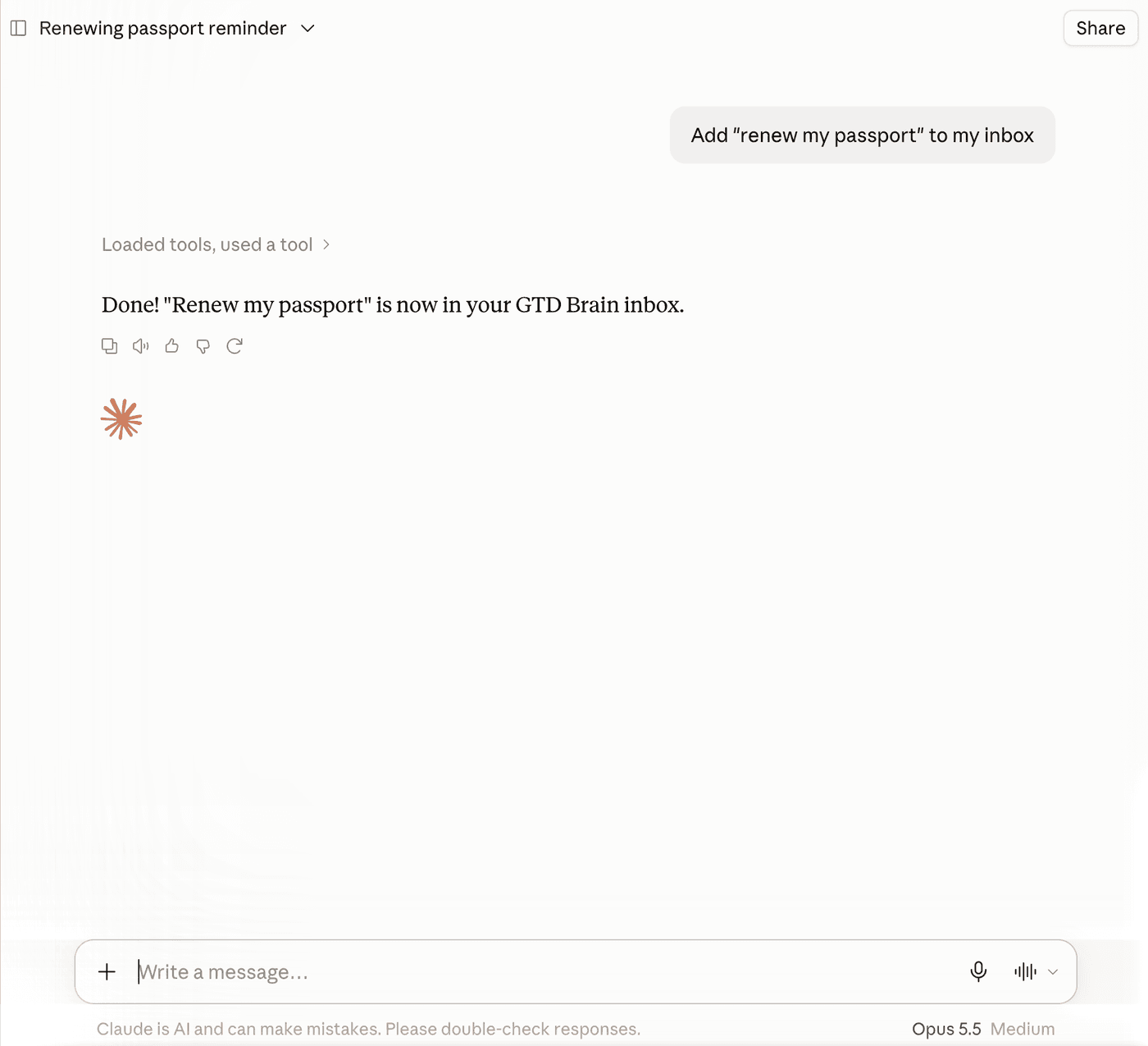
To capture, tell Claude what is on your mind, like in the first screenshot. To decide what to do next, ask for your next actions and Claude reads them from the board.
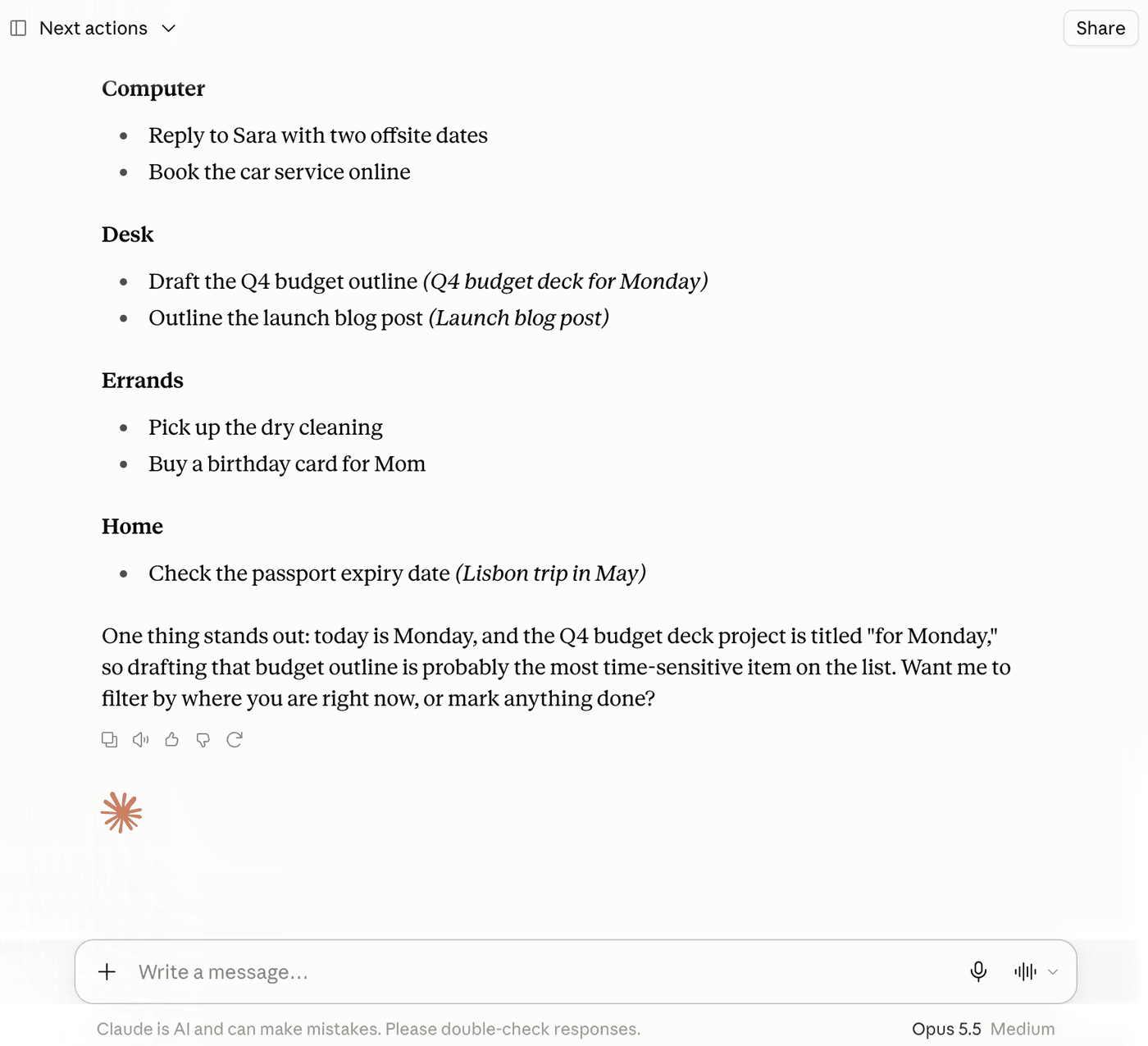
Once a day, ask: “Go through my inbox one item at a time and ask me what each one is.” Claude is best at this part, and it pushes back on vague items (“sort out the car” is not an action). On Friday, ask: “Run my weekly review, one list at a time, and wait for my answer.” Claude moves the cards as you decide.
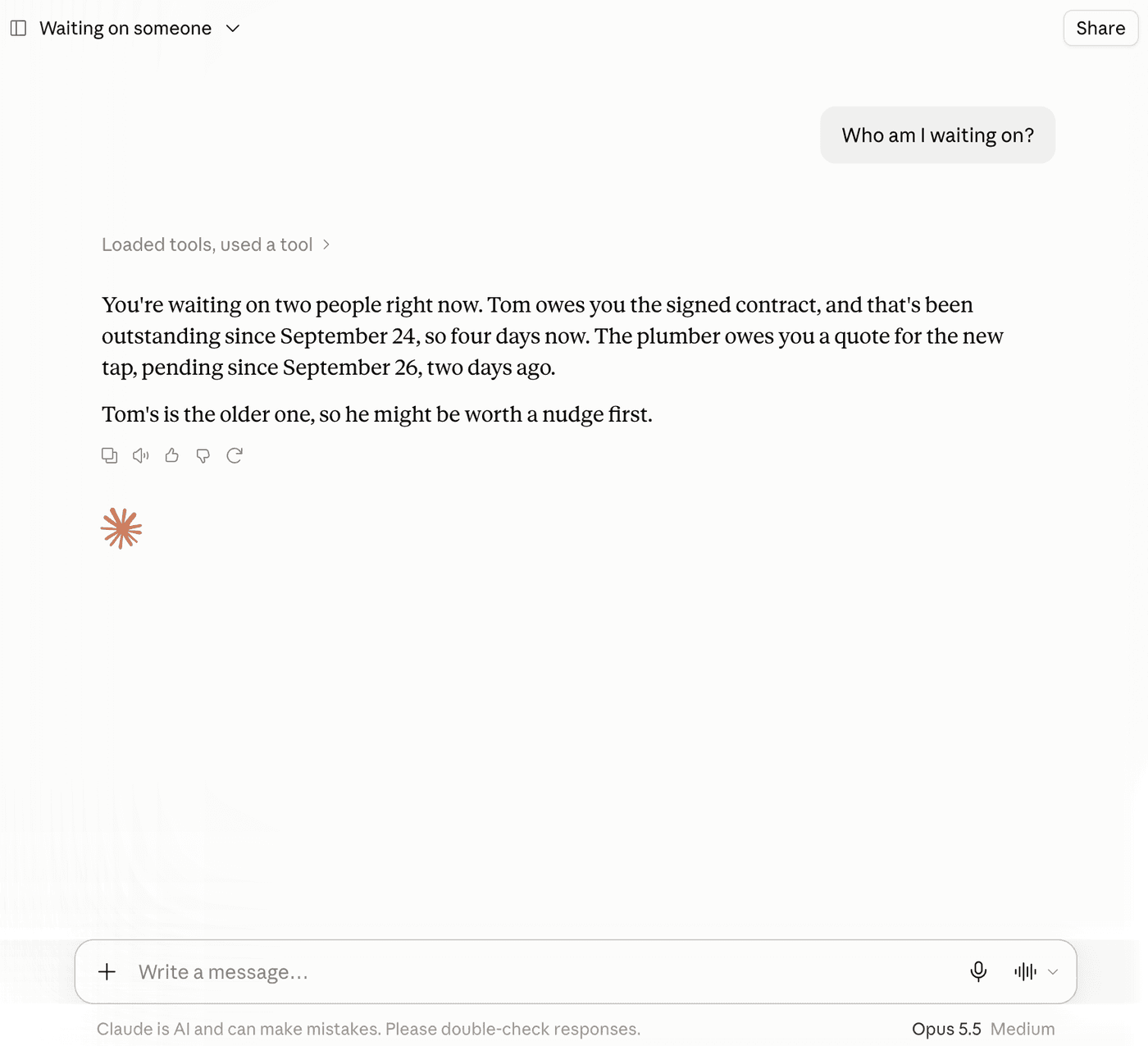
Waiting For keeps who and since when, so “who am I waiting on?” comes with how long each item has waited.
More
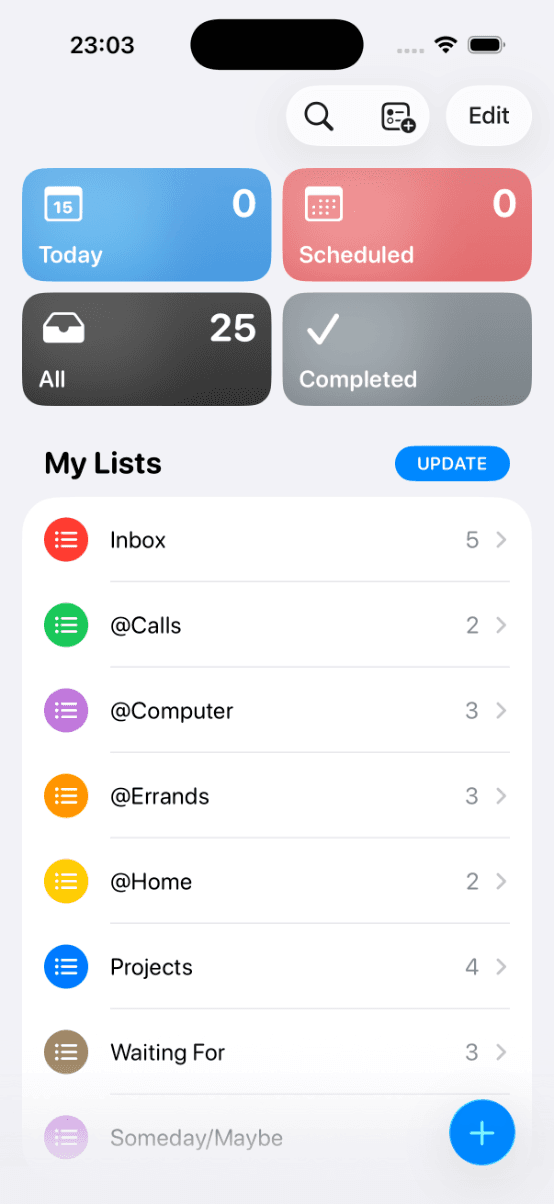
Watch the two-minute video: How to use GTD in Claude with GTD Brain. Troubleshooting is on the Claude connect guide, and Claude Code has its own one-line setup. The same board is on the web, iPhone and Android, and in ChatGPT and the other assistant connections.
Questions people ask
Can you do GTD (Getting Things Done) in Claude?
Yes. Claude is good at the thinking steps, clarifying an inbox into next actions and running a weekly review, but it does not keep lists between chats. Connect it to a GTD board such as GTD Brain and every chat reads and updates the same Inbox, Next Actions, Projects and Waiting For lists.
How do you connect Claude to GTD Brain?
In Claude, open Customize → Connectors, click + and choose Add custom connector. Name it GTD Brain, paste the address below into the server URL field and click Add. Then click Connect, sign in with your email and the code we send you, and click Allow. It works on every Claude plan (Free allows one custom connector).
https://mcp.gtdbrain.com/api/gtdbrain/v1/mcpHow do you set up a GTD (Getting Things Done) project in Claude?
Open Projects in Claude and create one called GTD. In its instructions, say that your lists are in GTD Brain, that new items go to the Inbox unsorted, that next actions are one physical step with a context, that every project needs a next action, and that Claude must read the board before answering.
Does Claude remember my GTD (Getting Things Done) lists between chats?
Not on its own. Claude's memory keeps facts about you, not the state of every task, and a new chat does not see what an old one produced. With GTD Brain connected, the lists live on a board, so any new chat reads the current Inbox, Next Actions and Waiting For instead of remembering them.
Start free for a month →No charge for your first month · Cancel anytime